Everything Panful does
From the recipe card on the fridge to the last item in the trolley, and what you ate afterwards. On iPhone and iPad, in sync, and shared with the people you cook with.
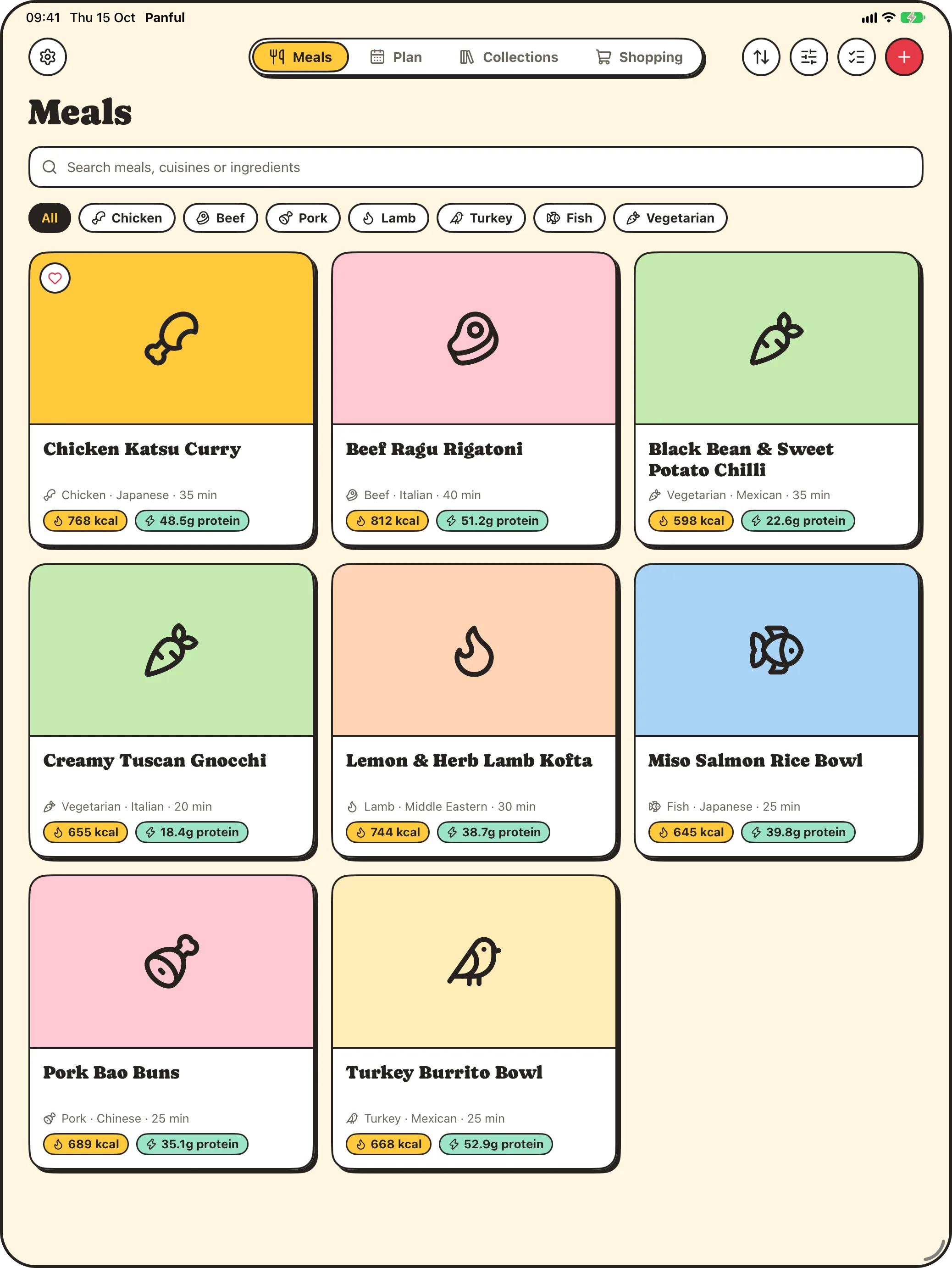
Scan recipe cards
Photograph both sides of a recipe card and Panful turns it into a recipe you can search: ingredients, method, nutrition and a photo of the dish.
- Take the photos in the app, or share them from Photos or any other app.
- Blurry, dark or cut-off photos are caught on your phone before they're sent.
- Cards photographed sideways are turned the right way up.
- Cards someone has scanned before come back straight away.
Find the right meal
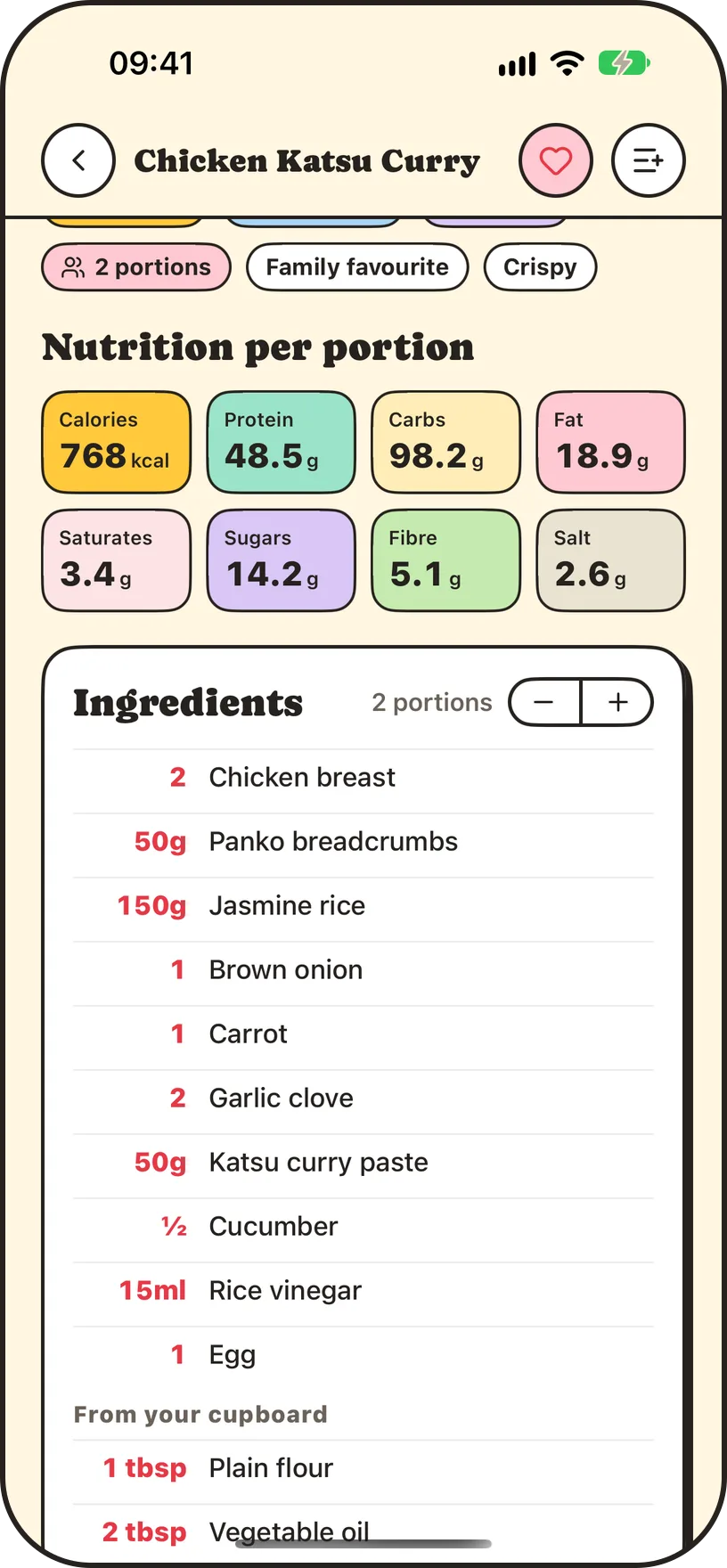
Search by name, ingredient or cuisine, and filter by type, minimum protein or maximum calories, or by Quick, Quick prep and One-pot. Favourites come first.
- Search meals, cuisines and ingredients in one box.
- Filter by Quick, Quick prep and One-pot, read from the card itself.
- Set a minimum protein or maximum calories per portion.
- Swipe through the original card photos on any recipe.
Cook step by step
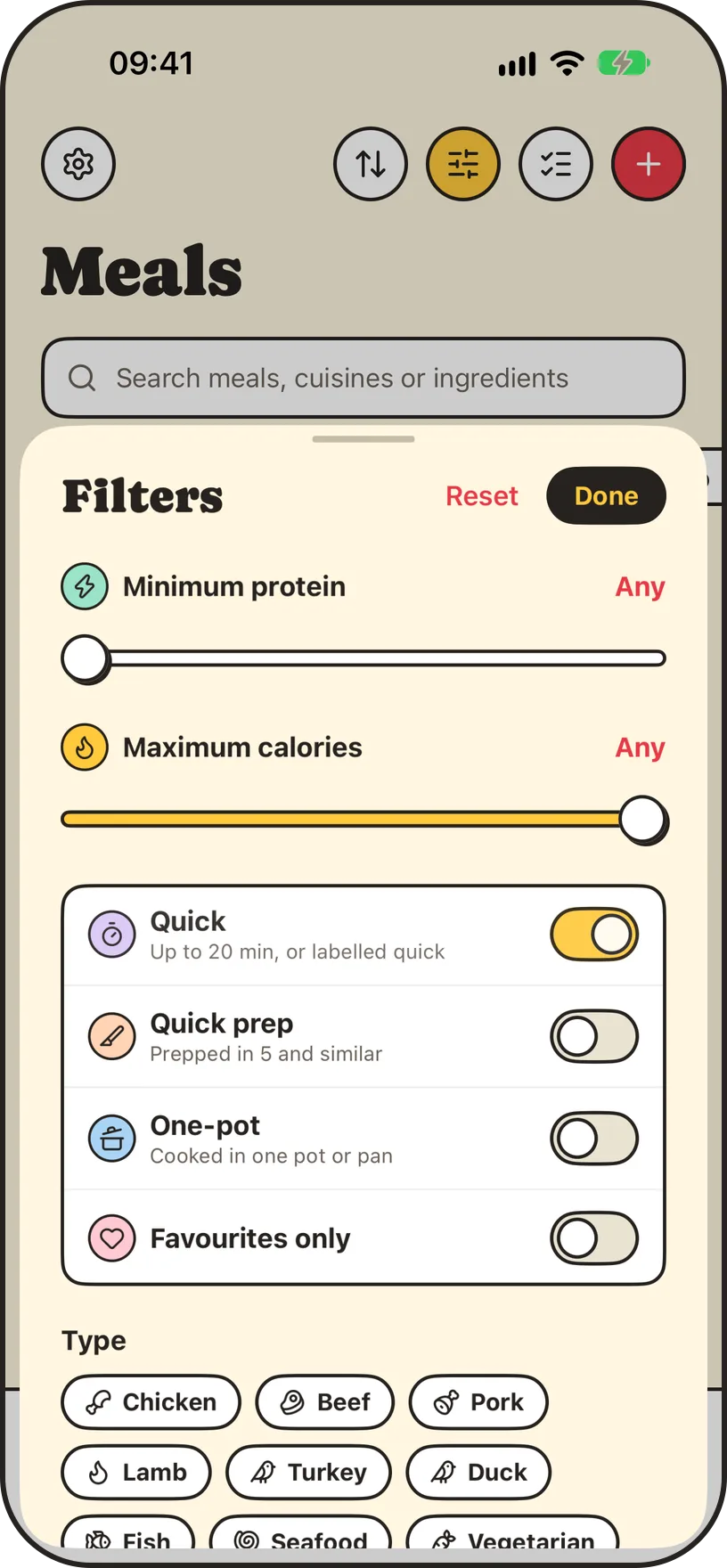
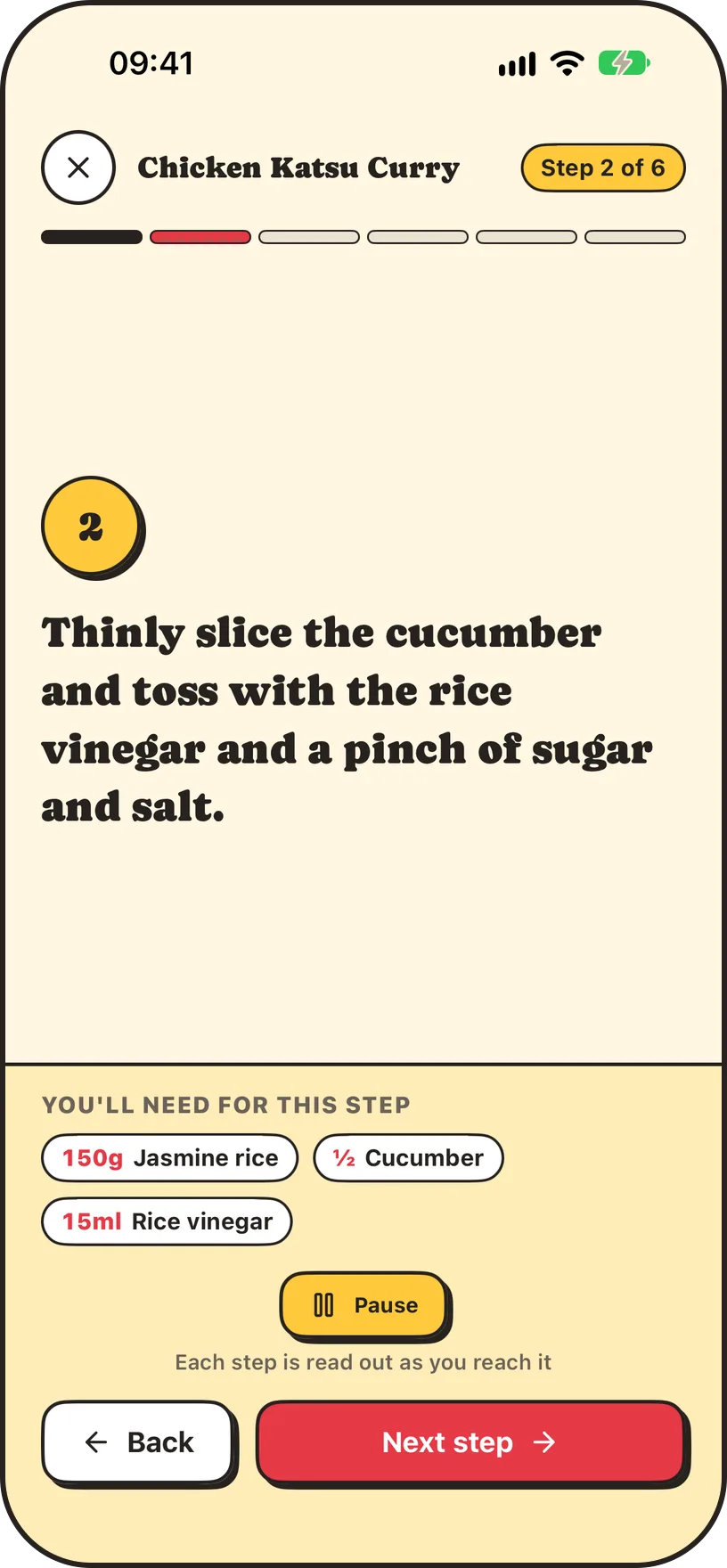
Cooking mode shows the method one big step at a time and reads each step aloud, so you don't need to touch the screen with floury hands.
- Large text you can read from across the kitchen.
- Each step read aloud, in the voice you choose.
- Steps are ticked off as you go.
Shop together
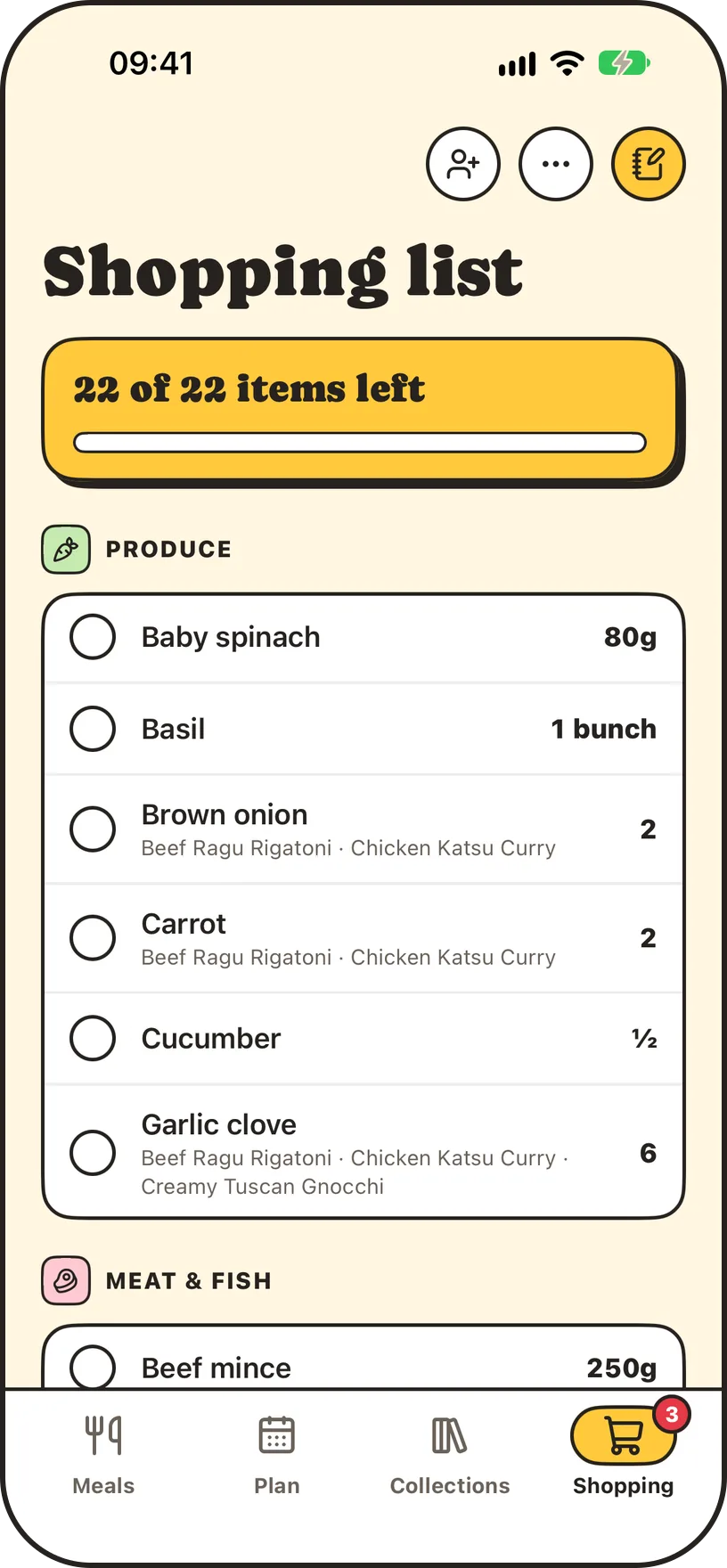
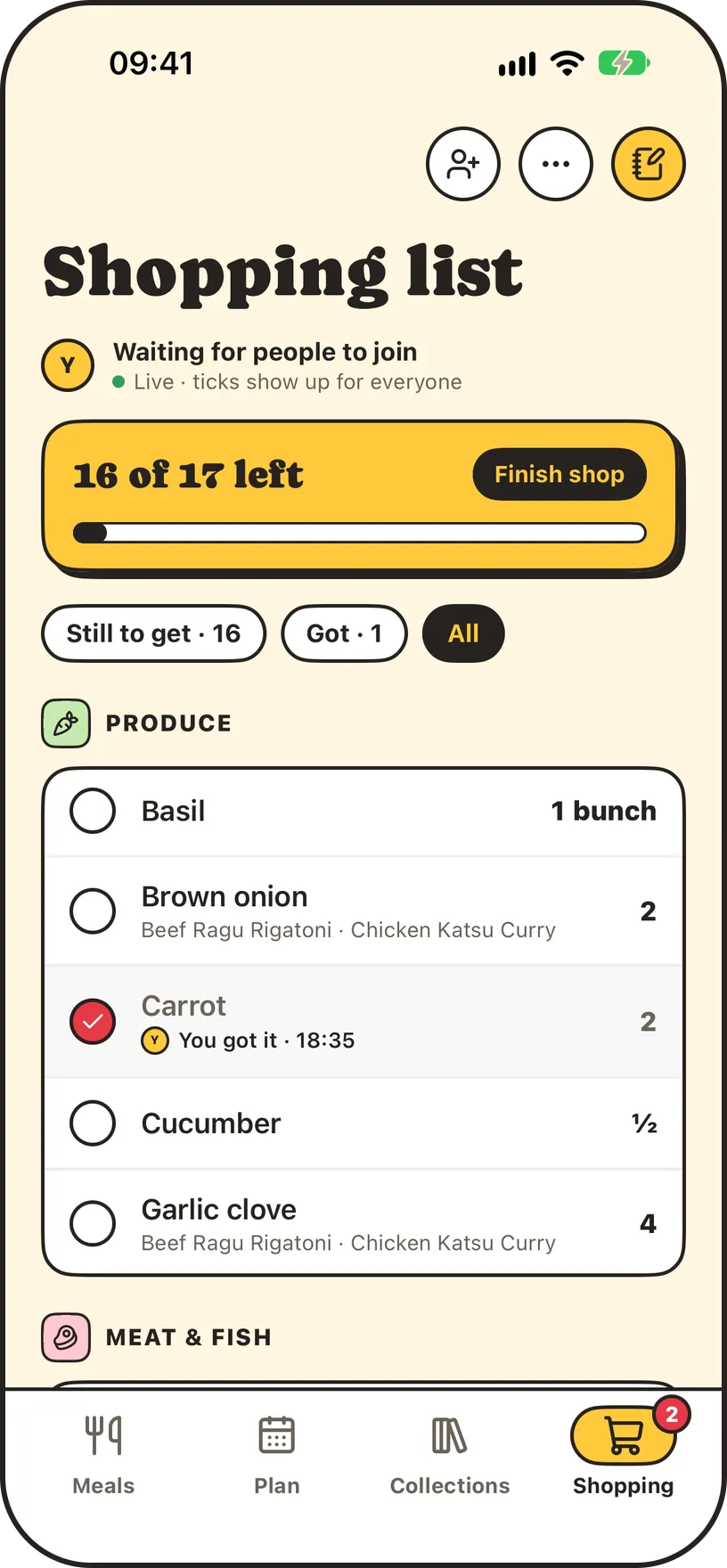
Pick a few meals and Panful adds up the ingredients, converts the units and groups them by aisle. Share the list and everyone sees what's still to get.
- Pick several meals at once and set the portions.
- Ingredients added up, converted and grouped by aisle.
- Share the list live with up to six people, and see who got what.
- Finish the shop to close the list and carry over what you didn't get.
- Send the list to Notes in one tap.
Share collections
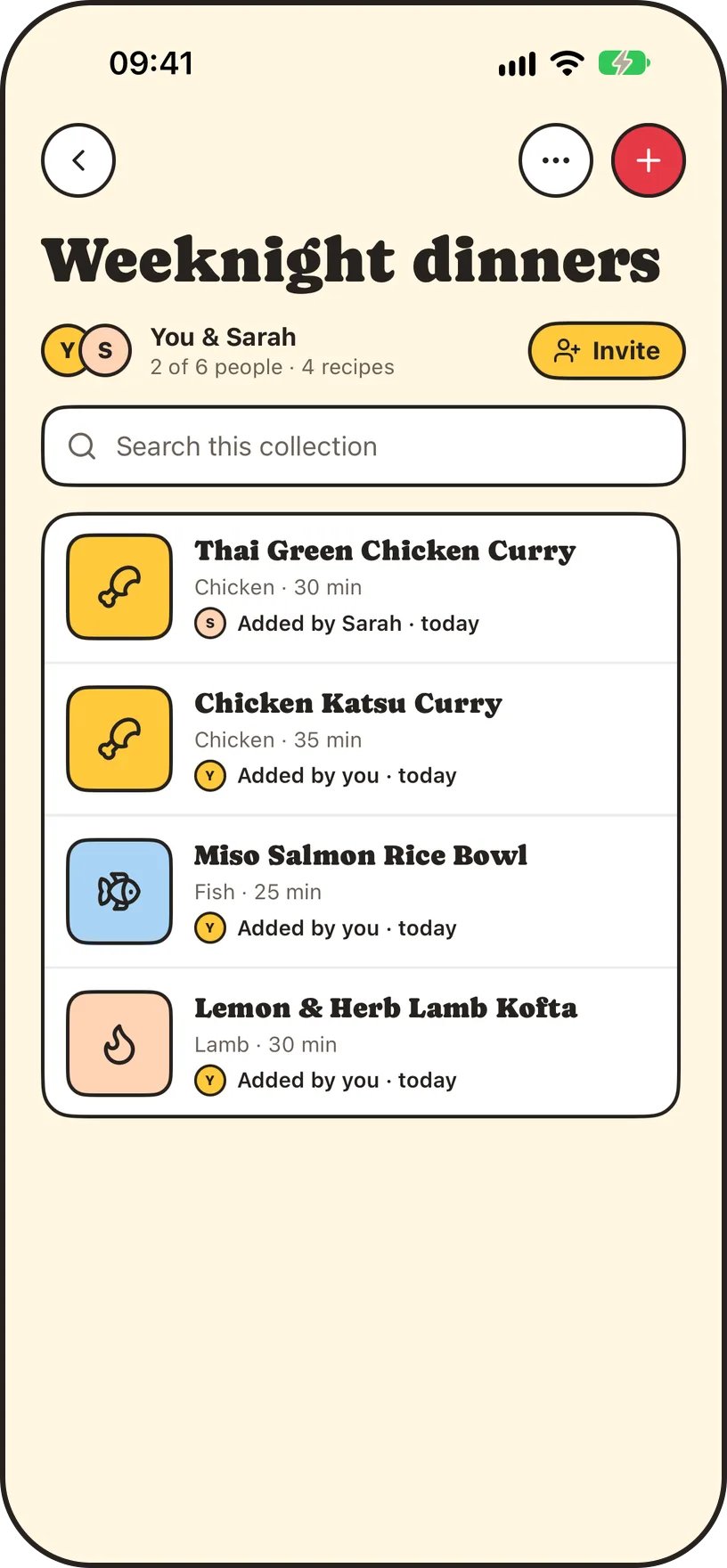
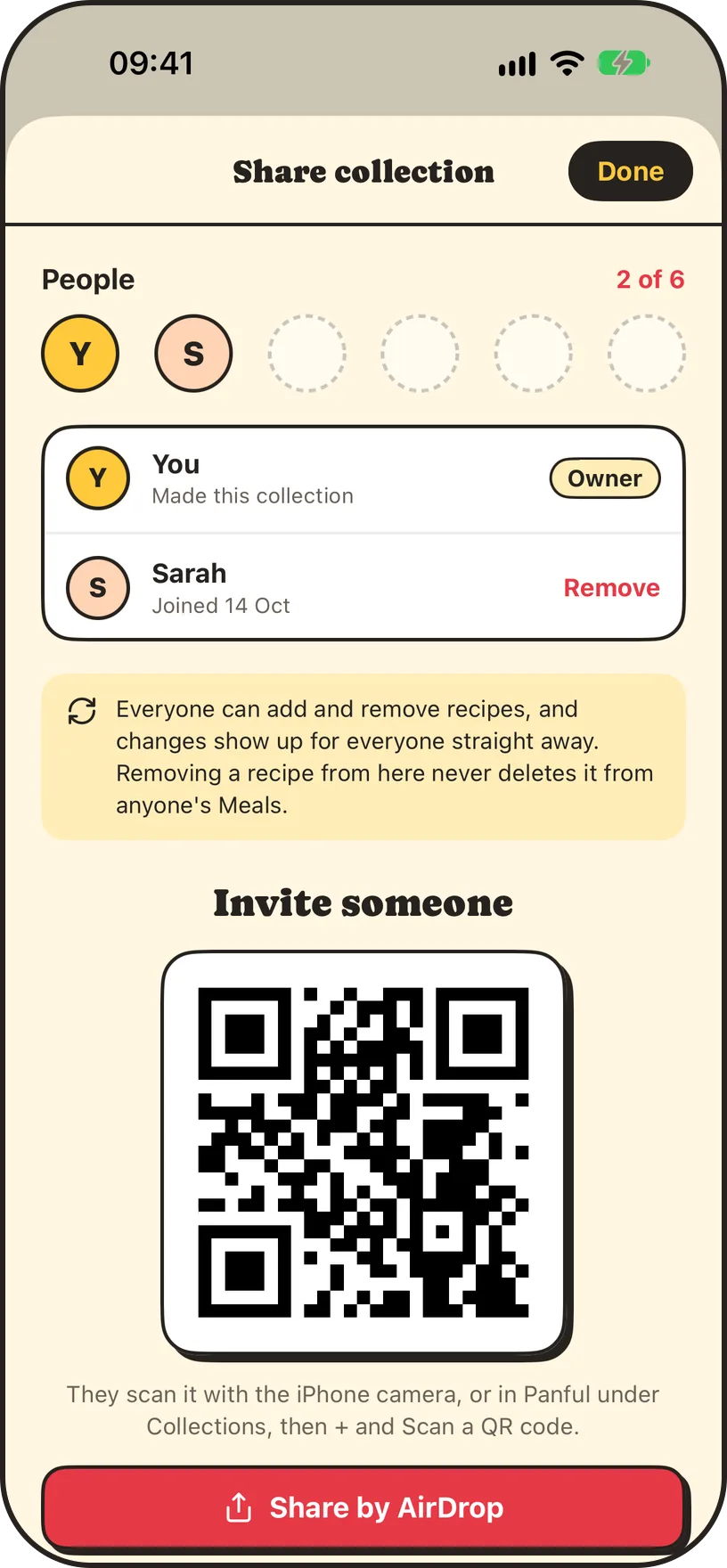
Gather recipes into collections and share them with up to six people. Anyone in a collection can add recipes, and changes show up for everyone in seconds.
- Invite people with a QR code or AirDrop.
- Everyone can add and remove recipes, and sees changes in seconds.
- Save someone else's recipe to your own Meals.
- Make a new code at any time so old invites stop working.
Keep a food diary
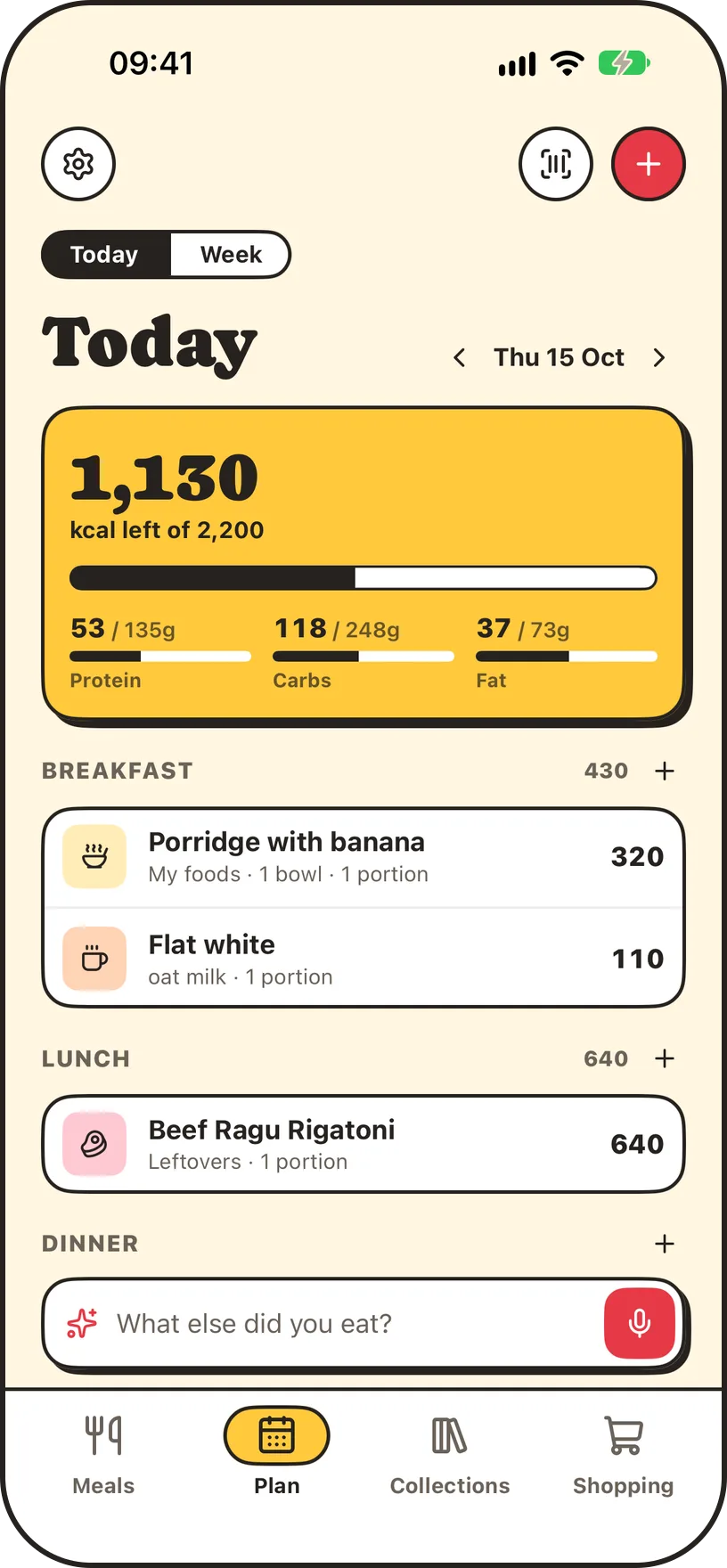
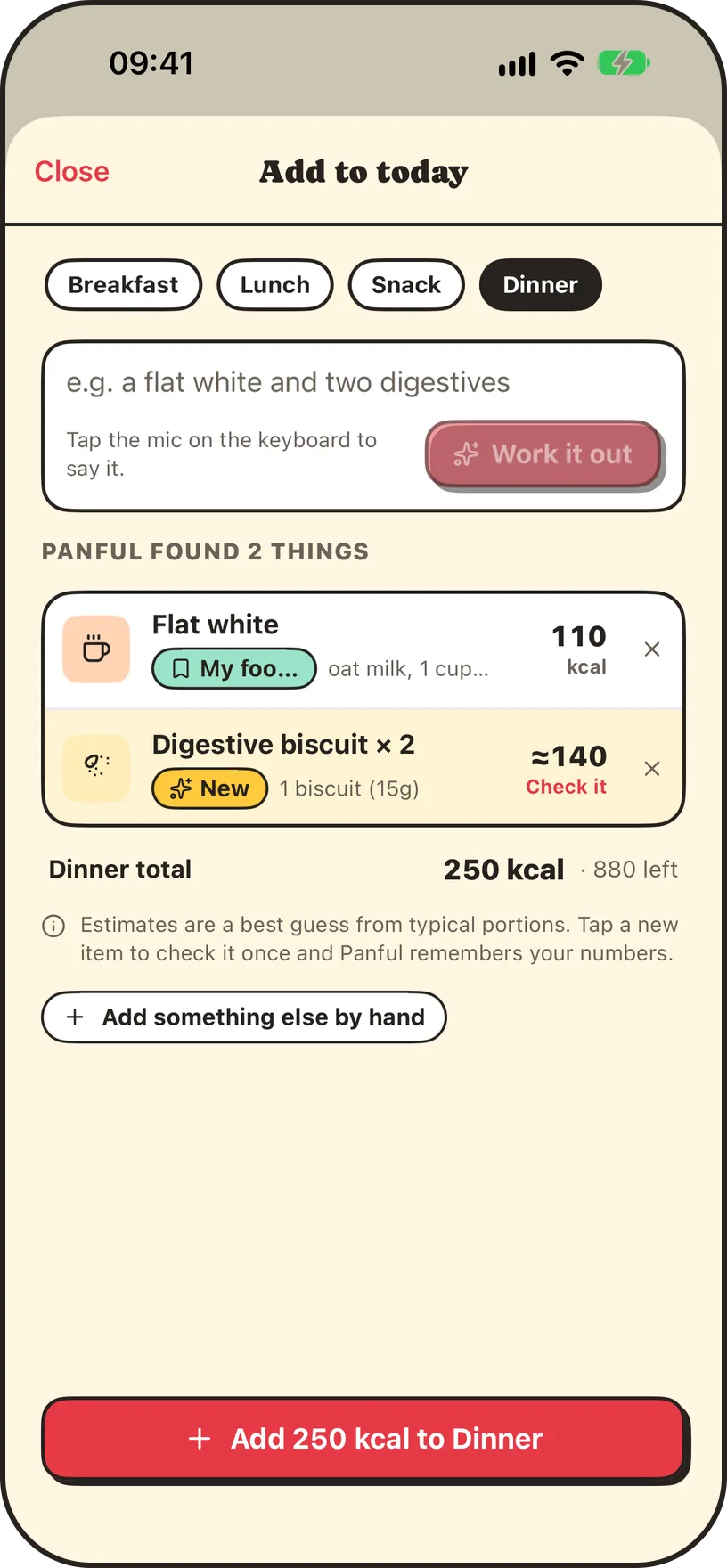
Turn on the food diary to log what you eat. Describe it in your own words, scan a barcode, or log a meal you've just cooked, and see the day and week against your targets.
- Type “a flat white and two digestives” and get each item with its calories, protein, carbs and fat.
- Scan a barcode, or log a meal straight after cooking it.
- Targets worked out for you, or set your own.
- A weekly view, with an optional flexible week.
- Gentle mode hides calories altogether.
- Optional Apple Health: write what you eat, read your activity and weight.
On iPhone and iPad
Plan on the iPad, then tick things off on your phone in the shop. Your meals, lists and diary stay in sync across every device you sign in on.